
Why Your SPI Display Manages 5 fps - and When to Leave SPI
When an SPI screen feels slow, the instinct is to blame the library. Usually the library is fine and the arithmetic was never done: a frame has a fixed size, the bus has a fixed rate, and dividing one by the other tells you the ceiling before you write a line of code. This guide does that arithmetic, shows what software can and cannot claw back, and marks the point where the correct fix is a different interface, not a faster loop.
Written by the Junxian applications engineering team. Figures quoted for “our models” are calculated from the 103 models on this site that carry a full parameter set, so they change when the catalogue changes.
The arithmetic: frame size over bus rate
A 240x320 panel at 16 bits per pixel is 153.6 kB per full frame - about 1.23 megabits. On a 40 MHz SPI clock the theoretical ceiling is roughly 32 full frames per second, and command overhead, gaps between transfers and whatever else the CPU is doing typically land you nearer 20. Move to a 480x640 panel - both dimensions doubled, so the frame is four times the size - and the same bus now caps around 8 fps theoretical, nearer 5 once overhead is counted. No driver setting changes this - it is the bus, not the code.
Run the numbers for your panel
Enter your resolution, colour depth and SPI clock - the estimate updates as you type.
Theoretical = frame bits ÷ bus bits-per-second. Practical applies a ≈65% factor for command overhead and inter-transfer gaps — a real-world figure, not a worst case. This runs entirely in your browser; nothing is sent anywhere.
What overclocking the bus buys, and what it risks
Driver ICs commonly tolerate SPI clocks above their datasheet figure, and many boards run 60 or 80 MHz successfully - but tolerance is not specification. Whether a given module survives a given clock depends on the driver IC batch, the flex length and the layout, so a margin that works on your bench can fail on a longer cable or a colder morning. Overclocking is a prototype convenience; a product should run the specified clock and get its speed elsewhere.
What DMA actually fixes
DMA does not make the bus faster - the bits still take the same time. What it does is free the CPU during the transfer, which removes the gaps between chunks and lets the application keep working, so real throughput moves closer to the theoretical ceiling and the UI stops stuttering. Worth doing, and still bounded by the same arithmetic.
Partial redraw: the honest big win
Because SPI panels hold the frame in the driver IC's own RAM, you only pay for the pixels you change. A UI that redraws a field, a needle or an icon instead of the whole screen can feel instant on a bus that manages 8 full frames per second. This is how instruments, thermostats and meters ship perfectly responsive SPI screens: they never redraw everything. Animation and video are the opposite case - every frame is a full frame, and the arithmetic wins.
Tearing, and the TE pin nobody wires
If a moving image shows a horizontal shear line, your writes are racing the panel's own refresh scan. Driver ICs expose a tearing-effect (TE) output exactly for this: it pulses when the scan is at a safe position, and synchronising writes to it removes the shear. On modules where TE is brought out to the connector it costs one GPIO; check the pinout before concluding you need a faster interface just to fix tearing.
The switch point: when SPI is the wrong answer
Full-screen animation, camera or video content, panels above roughly 3.5", or resolutions past 320x240 at real frame rates - that is RGB or MIPI territory, where the host drives pixels continuously instead of pushing changes down a serial pipe. The trade is pins and a host with a display controller, covered in our interface guide. The mix across our published models shows where each interface actually lives:
| Interface family | Models | Size range on our catalogue | Example |
|---|---|---|---|
| RGB parallel | 30 | 1.28" - 10.1" | JM-PT106-00 |
| MCU / 8080 / 6800 parallel | 26 | 0.49" - 5" | JM-PO107 |
| SPI | 19 | 0.96" - 3.2" | JM-PT138-00 |
| MIPI DSI | 7 | 3" - 10.1" | JM-PT112 |
| UART serial | 5 | 2.8" - 4.3" | JM-LH017-00 |
| I²C | 3 | 0.96" - 1.54" | JM-PO136 |
| HDMI | 1 | 7" | JM-GD814 |
Counted across the 103 models on this site that carry a full parameter set; generic “customisable” listings are excluded so they cannot inflate a count. A model that offers several interfaces is counted in each family.
Deciding early costs nothing
The expensive version of this discovery happens after the carrier board is laid out, when the fix is a respin. If your UI plan includes animation, plan the interface for it now - several glass sizes exist in both SPI and RGB versions, and telling us the frame-rate expectation with the size gets you a module that will still be the right one at production volume.
RGB and MIPI models past the SPI ceiling
Published models that illustrate the point above - full specifications on each page.
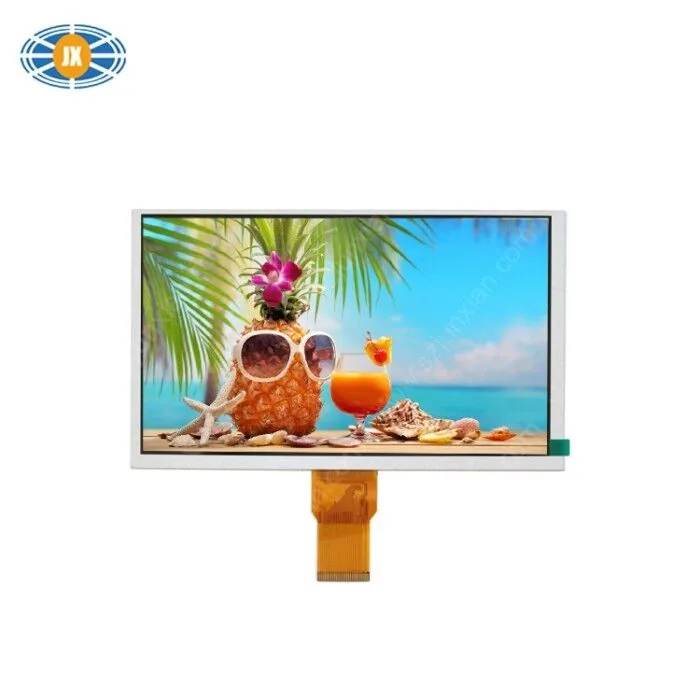
9 Inch TFT Display 1024x600 Touch Screen LCD Monitor For Industrial /
JM-PT144-00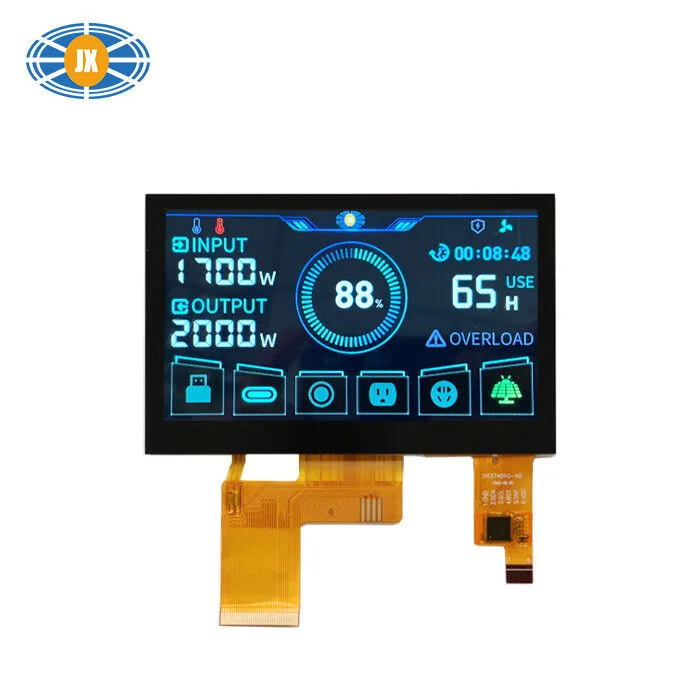
Customized TFT LCD Touch Screen 8 Bit RGB Interface 4.3 inch Capacitiv
JM-PT105-01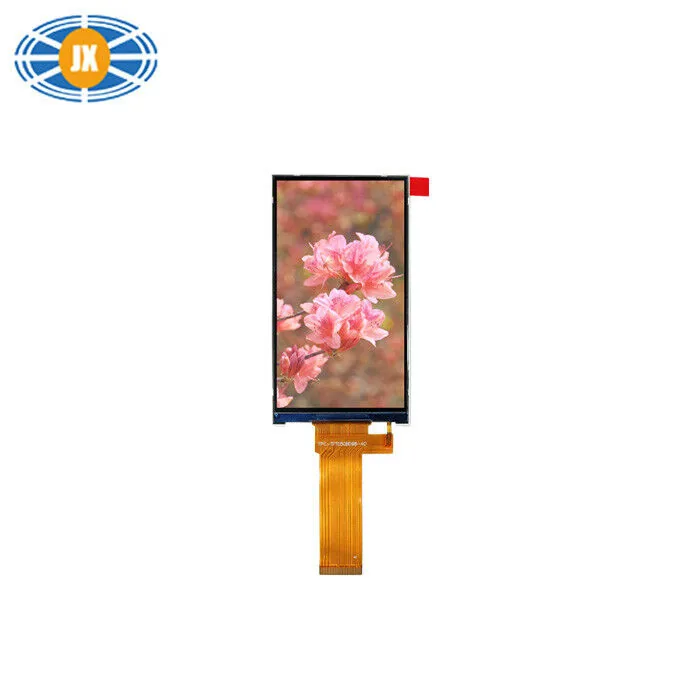
300cd/m2 5 Inch TFT LCD Monitor , IPS LCD Display Module 480x854 Pixel
JM-PT128-00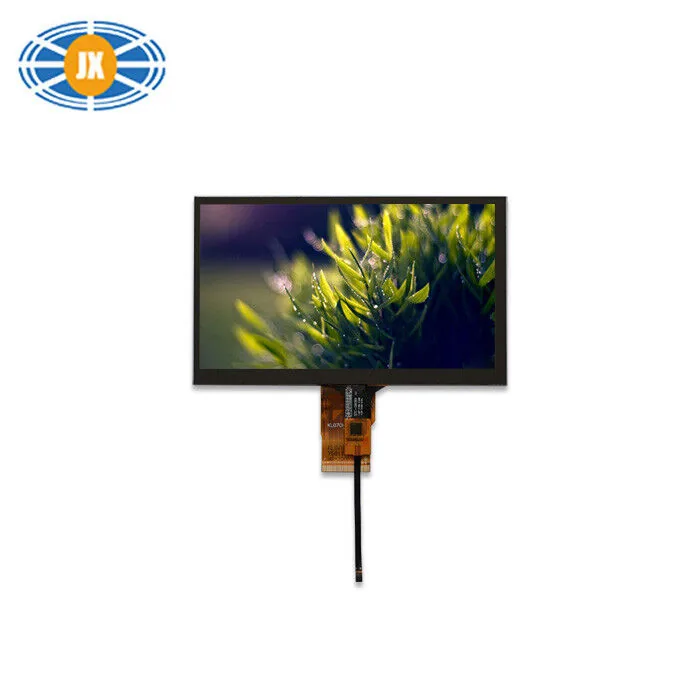
300cd/m2 High Brightness LCD Display 7 Inch 1024x600 For Automotive
JM-PT034Related guides
LCD Interfaces Explained: SPI, MCU, RGB, LVDS and MIPI
The interface is the first decision, not the last: it decides whether your processor can drive the panel at all, how many pins the...
ST7789 / GC9A01 / ST7735 Init Problems: Offset, SPI Mode and CS
These three controllers sit behind most small SPI colour displays, and most “my display shows garbage / a shifted image / nothing”...
How to Choose an LCD Module in Seven Decisions
Specifying a display is seven decisions, and their order matters more than any single one of them. Size and interface come first b...
Questions engineers ask us about this
My display library reports 30 fps but the screen looks slower. Why?
Libraries often report the rate of buffer flushes, not full-screen refreshes - a partial redraw counts as a frame. Measure a genuine full-screen update: frame bytes divided by real bus throughput is the number the screen actually experiences.
Will a faster MCU make my SPI display faster?
Only up to the bus ceiling. Once the SPI clock is the bottleneck, a faster CPU just waits faster - the gains then come from DMA, partial redraw or a wider interface, in that order of effort.
Is 20 fps enough for a product UI?
For menus, readouts and field updates, comfortably - most instrument UIs redraw regions, not screens, and feel immediate at well under 20 full-frame fps. For scrolling charts, video or animated transitions, budget for RGB or MIPI instead of fighting the bus.
Can I run two SPI displays on one bus?
Electrically yes, with separate CS lines - but they share the same bandwidth, so two 20 fps screens become two 10 fps screens under full load. Give each its own bus if both need real refresh rates, and mind CS discipline either way.
Which of your modules should I move to if SPI runs out?
Tell us the size, resolution and host processor: most of our 4.3" and larger colour modules are RGB, with MIPI on the higher-resolution glass, and several sizes exist in more than one interface version. Naming the frame-rate expectation up front is what lets us point at the right one first time.
Need a quote or a datasheet?
Send us size, resolution, interface and annual quantity. Our engineers reply within one working day. Sample MOQ 5 pcs, lead time 10-20 days.