
LCD Interfaces Explained: SPI, MCU, RGB, LVDS and MIPI
The interface is the first decision, not the last: it decides whether your processor can drive the panel at all, how many pins the display costs you and whether you need a bridge IC. Rough rule: SPI up to about 320x240, 8-bit MCU up to about 480x272, RGB and LVDS for anything larger with a display controller in the host, MIPI for high resolution on a modern SoC, and a UART smart module when the host has no display capability at all.
Written by the Junxian applications engineering team. Figures quoted for “our models” are calculated from the 103 models on this site that carry a full parameter set, so they change when the catalogue changes.
How do I know which interface my processor supports?
Look for an LCD or display controller block in the processor datasheet. If it has one, it will name what it drives - RGB (sometimes called DPI or parallel), LVDS or MIPI DSI - and you should use that. If it has none, you are choosing between a serial-driven small panel (SPI or 8-bit MCU, where the panel's own driver IC holds the frame buffer) and a smart module that takes commands over UART. Adding an external bridge IC to give a controller-less MCU an RGB panel works, but it adds cost, board area and one more part to keep in supply.
SPI: fewest pins, lowest bandwidth
Four to five wires, the panel's driver IC stores the image, the host only sends changes. That makes SPI ideal for battery devices and pin-starved MCUs, and it is why almost every small round and square panel offers it. The limit is bandwidth: a full redraw of a 320x240 16-bit screen is about 150 kB, so at 40 MHz you get roughly 20 full frames per second - fine for a UI that updates fields, not for video or full-screen animation.
MCU parallel (8080 / 6800): the middle ground
Eight or sixteen data lines plus control, still with the frame buffer in the panel's driver IC. Several times the bandwidth of SPI for a dozen more pins. This is the classic choice for 2.4" to 4.3" colour panels driven by a mid-range MCU, and the same 6800/8080 signalling is what character and COG monochrome modules use.
RGB parallel: the host draws every pixel
The host outputs pixel data continuously with pixel clock, HSYNC, VSYNC and DE - typically 18 to 28 signals. There is no frame buffer in the panel, so the processor needs its own display controller and enough memory bandwidth to sustain the refresh. In exchange it is the cheapest way to drive a mid-size colour panel, which is why most of our 4.3" to 10.1" modules are RGB.
LVDS and MIPI: for higher resolution and longer cables
LVDS serialises the same RGB data onto differential pairs. Fewer wires, far better noise behaviour and it survives a longer cable, which matters when the panel sits in a door and the board sits in the cabinet. MIPI DSI is the modern equivalent on application processors: one or more high-speed lanes, low power, and the usual choice above about 1024x600 on an SoC that already has a DSI port.
UART smart modules: no graphics code at all
A smart serial module carries its own controller and screen layout. The host sends a command - set this field to this value - and the module renders it. It costs more per unit than a bare panel and removes the display firmware project entirely, which is usually the right trade below a few thousand units or when the host MCU is busy doing something more important. Our BMS protocol screens are this type.
What our catalogue actually offers per interface
This is the part you cannot get from a generic tutorial: the interface mix of the models we have published, so you can see where the choice is real and where it is theoretical.
| Interface family | Models | Size range on our catalogue | Example |
|---|---|---|---|
| RGB parallel | 30 | 1.28" - 10.1" | JM-PT106-00 |
| MCU / 8080 / 6800 parallel | 26 | 0.49" - 5" | JM-PO107 |
| SPI | 19 | 0.96" - 3.2" | JM-PT138-00 |
| MIPI DSI | 7 | 3" - 10.1" | JM-PT112 |
| UART serial | 5 | 2.8" - 4.3" | JM-LH017-00 |
| I²C | 3 | 0.96" - 1.54" | JM-PO136 |
| HDMI | 1 | 7" | JM-GD814 |
Counted across the 103 models on this site that carry a full parameter set; generic “customisable” listings are excluded so they cannot inflate a count. A model that offers several interfaces is counted in each family.
Interface changes late in a project
Changing interface after the carrier board is laid out is the single most expensive display change there is - it is a board respin, not a panel swap. Decide it before the mechanical design freezes, and if you are unsure between two, tell us: several glass sizes exist in more than one interface version, and picking that model early keeps the option open at no cost.
Models available in more than one interface
Published models that illustrate the point above - full specifications on each page.
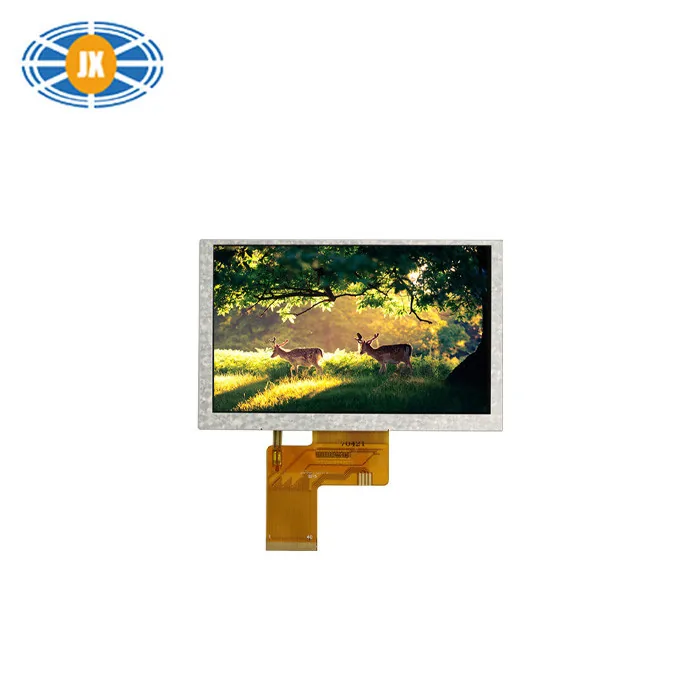
Touchscreen LCD Monitor 5 Inch TFT Color LCD Display 800×480 Resolutio
JM-PT069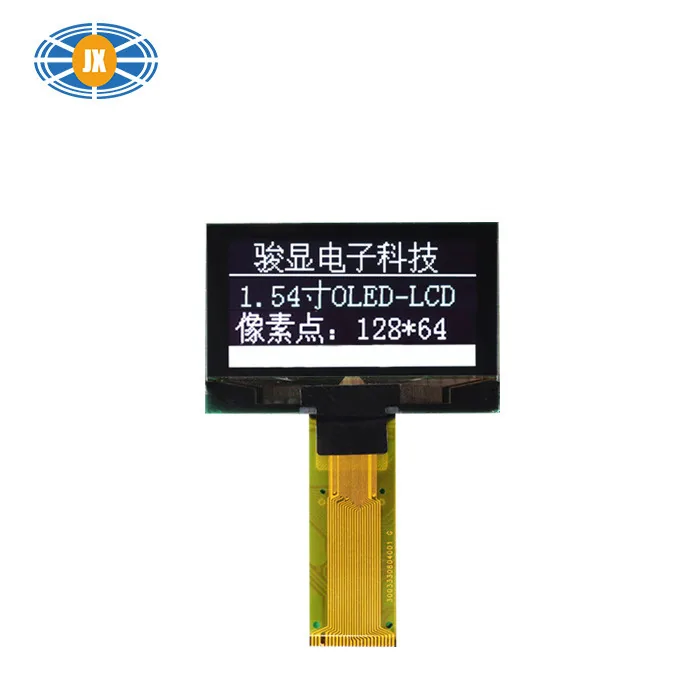
Compact 1.54 Inch OLED Display Module Power Efficiency LCD Monitor Wit
JM-PO139-01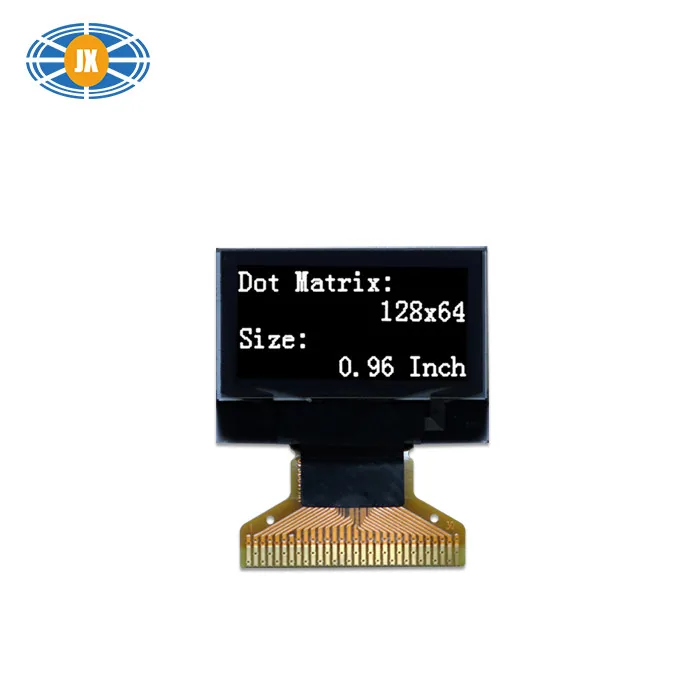
0.96 Inch OLED Display Module 128x64 White Monochrome LCD Monitor For
JM-PO122-00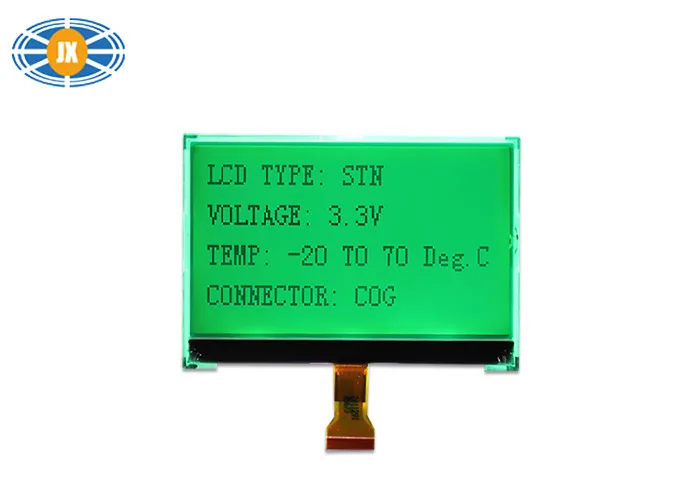
3 Inch COG Monochrome LCD Monitor , COG Dot Matrix Display With ST7567
JM12864C08Related guides
How Many Nits Does a Sunlight-Readable Display Need?
Short answer: 200-300 cd/m² indoors, 350-450 cd/m² for shaded outdoor or a window-lit factory, and 500 cd/m² or more - or a transf...
Capacitive or Resistive Touch, Air Bonding or Optical Bonding
Capacitive touch wins on feel, multi-touch and durability, and it is what most buyers now specify by default. Resistive still beat...
How a Custom LCD Module Is Developed, Step by Step
Most 'custom' display projects are not custom glass at all - they are an existing panel with a different FPC, connector, backlight...
Questions engineers ask us about this
Which is better, SPI or RGB?
Neither - they solve different problems. SPI puts the frame buffer in the panel and costs 4-5 pins, so it suits small screens on small MCUs. RGB makes the host draw every pixel and costs 18-28 pins, so it suits larger screens on processors with a display controller. Pick by what your host can do.
Can I use an RGB panel with an MCU that has no LCD controller?
Only with an external bridge IC or a controller with built-in RAM, which adds cost and parts. Below 4.3", an SPI or 8-bit MCU panel is usually the cheaper answer; above that, a smart UART module is often cheaper than the bridge plus the firmware.
Do you offer the same panel in more than one interface?
For several sizes, yes - the same glass is available in different interface versions. Tell us the size and resolution you need and we will say which interfaces that glass supports before you commit the board layout.
What interface do your BMS and smart displays use?
UART serial. The module has its own controller and command set, so the host sends values rather than pixels. Send us the protocol you need and we will confirm before you order samples.
Is MIPI worth it for a 7-inch screen?
Only if your SoC has a DSI port and you want the resolution or the power saving. For 800x480 or 1024x600 on a processor with an RGB output, plain RGB is simpler and cheaper. MIPI earns its place above that, or where lane count and power matter.
Need a quote or a datasheet?
Send us size, resolution, interface and annual quantity. Our engineers reply within one working day. Sample MOQ 5 pcs, lead time 10-20 days.