
LCD Image Sticking, Pressure Marks and Mura: Causes and Prevention
Three complaints reach display suppliers more than any others once a product is in the field: a faint ghost of an old screen that will not go away, bright or dark patches where the panel is pressed, and uneven blotches across a grey screen. They have different causes, and most of them are decided by the enclosure and the firmware rather than by the glass. Knowing which is which saves a round of returns.
Written by the Junxian applications engineering team. Figures quoted for “our models” are calculated from the 103 models on this site that carry a full parameter set, so they change when the catalogue changes.
Image sticking: what it is
Image sticking - also called image retention - is a faint copy of a previous image that stays visible after the content changes. In an LCD it comes from charge building up inside the liquid crystal cell when the same pattern is held for a long time: the drive waveform is meant to average to zero, and a static image, a small DC offset or ionic contamination in the cell stop it doing so completely. Heat speeds it up. Unlike OLED burn-in, LCD image sticking is usually temporary - it fades once the content changes - but a hot enclosure showing the same screen all day can make it slow to recover.
Designing image sticking out
Most of the cure is in firmware and system design. Avoid holding a fully static, high-contrast image for hours: dim or blank the screen when idle, move static elements by a pixel or two from time to time, or cycle to a screen saver. Keep the panel's drive voltages - VCOM in particular - at the values in the specification, because a mistuned VCOM leaves exactly the DC offset that drives retention. And keep the display inside its rated temperature: an enclosure that runs far above ambient does more harm than any single setting. If your product must show a fixed layout around the clock, say so in the enquiry - it changes the recommendation.
Pressure marks: mechanical, not electrical
A pressure mark is a bright or dark patch - often with a rainbow edge - where something presses on the active area: a bezel bearing on the glass, a gasket compressed too hard, a screw boss that distorts the frame, or a finger pushing on a display with nothing in front of it. The pressure changes the thickness of the liquid crystal gap locally, and that changes how the area transmits light. Light pressure marks disappear when the pressure is removed; sustained or heavy pressure can leave permanent damage.
Keeping pressure off the glass
The rule is simple: nothing touches the active area, and the module is held by its frame, never by its glass. Leave a clear gap between the bezel and the viewing area, use a gasket that seals without clamping, mount the module on its own mounting points rather than sandwiching it between housing halves, and put a cover lens or touch panel in front of any display a user can reach. A drop and press test on the finished product finds pressure problems far more reliably than any datasheet line - run it before the enclosure design is frozen.
Mura: unevenness that has to be agreed
Mura - from the Japanese word for unevenness - is non-uniform brightness or colour visible on a flat grey or single-colour screen: clouds, bands or corners slightly lighter or darker than the rest. Some is inherent to every LCD; the question is how much. It is judged by eye under defined conditions, which is why it has to be agreed up front: a panel that looks perfect on a busy interface can look blotchy on a plain grey background at low brightness.
White spots and bright dots
Two different problems share this name. Single bright or dark pixels are pixel defects, covered by dot-defect criteria. Larger, soft white spots usually come from the backlight - a displaced or damaged diffuser or reflector film, or a pressure point behind the panel - and are a mechanical or handling issue rather than a glass one. If they appear only after assembly, look at what presses on the back of the module.
Write it into the specification and the golden sample
The way to avoid arguments about cosmetic quality is to agree the criteria before production: the test patterns (full white, black and a low grey), the viewing distance and angle, the lighting, and the allowed number and size of dot, line and mura defects. On a custom project the approved golden sample becomes the reference for incoming inspection on both sides - see the custom development process - so judge it on your worst-case screen, not your nicest one.
Touch modules on this site - the touch panel sits in front of the LCD glass
Published models that illustrate the point above - full specifications on each page.
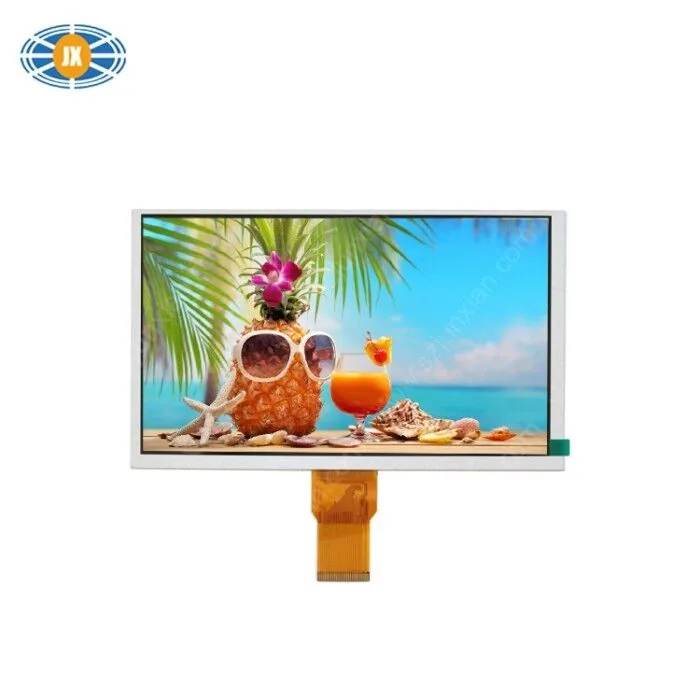
9 Inch TFT Display 1024x600 Touch Screen LCD Monitor For Industrial /
JM-PT144-00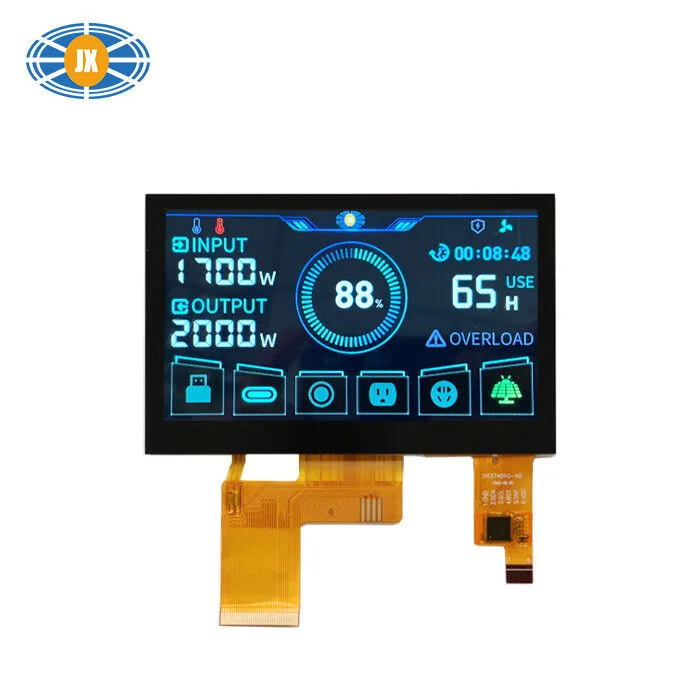
Customized TFT LCD Touch Screen 8 Bit RGB Interface 4.3 inch Capacitiv
JM-PT105-01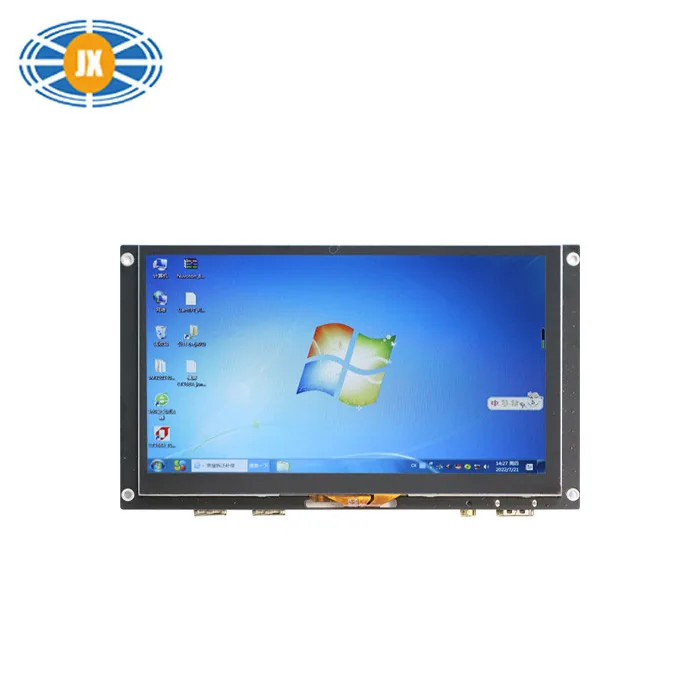
5V 300cd/M2 HDMI TFT LCD Display 7 Inch 1024x600 Capacitive Touch Scre
JM-GD814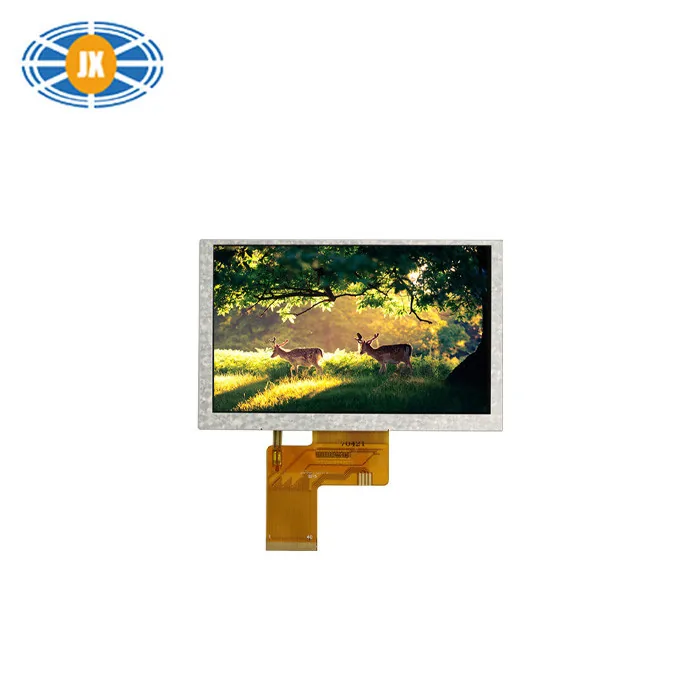
Touchscreen LCD Monitor 5 Inch TFT Color LCD Display 800×480 Resolutio
JM-PT069Related guides
Industrial OLED Lifetime, Burn-In and How to Design Around It
OLED gives up backlight lifetime for contrast, power efficiency at low brightness and a thinner module than any backlit panel on t...
Cover Glass and Surface Treatment: AG, AF, AR and Printing Options
The surface finish on a cover glass changes how a display reads in the real world as much as the panel underneath it does, and it ...
TFT Shows a White or Blank Screen: a Hardware Checklist
A white screen is usually good news: the backlight works and the panel is powered, but the driver IC never received a valid initia...
Questions engineers ask us about this
Is LCD image sticking permanent?
Usually not - it fades when the content changes, faster when the panel is warm and showing varied content. Retention that does not recover after a day of normal use points to a drive-voltage or temperature problem worth investigating with your supplier.
Is image sticking the same as OLED burn-in?
No. OLED burn-in is permanent wear of the light-emitting material; LCD image sticking is a reversible charge effect in the liquid crystal. They need different design responses - see our OLED lifetime and burn-in guide for the OLED side.
Do IPS panels show pressure marks more than TN?
Both can. IPS panels tend to show a visible ripple when pressed, which is one more reason to put a cover lens or touch panel in front of anything a user can touch.
Does optical bonding prevent pressure marks?
It spreads a touch load across the whole surface and removes the air gap, which helps, but a frame or gasket pressing on the glass will still cause marks. Bonding is not a substitute for correct mechanical design.
What should incoming inspection check?
The patterns and limits agreed at the golden sample: dot and line defects on white, black and grey, mura on a low-grey screen at the agreed viewing distance, and - if your product shows a fixed layout - a short static-image hold followed by a grey screen.
Need a quote or a datasheet?
Send us size, resolution, interface and annual quantity. Our engineers reply within one working day. Sample MOQ 5 pcs, lead time 10-20 days.